User Guide
Calculator
The Calculator widget allows you to convert between global and local coordinates for different stages. It also helps you manage stage movements and view global coordinates with reticle metadata.
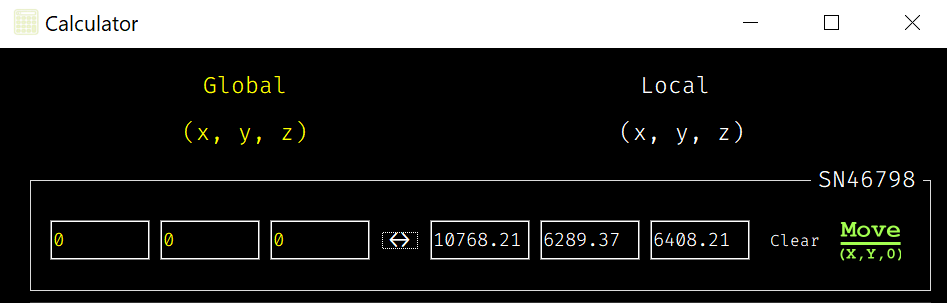
Coordinate Conversion
The Calculator enables you to convert between global and local coordinates for each stage. Based on whether global or local coordinates are provided, the calculator determines the direction of the transformation:
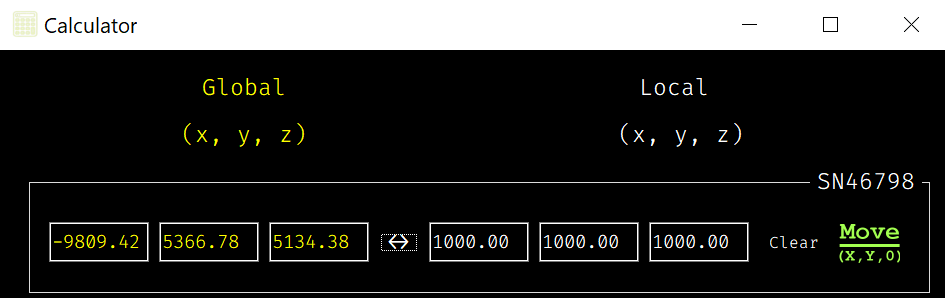
Global to Local: Input global coordinates (X, Y, Z) and click the “Convert (↔)” button to see the corresponding local coordinates.
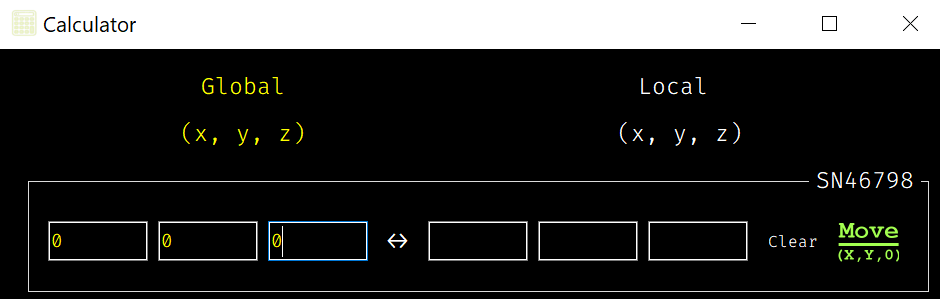
→
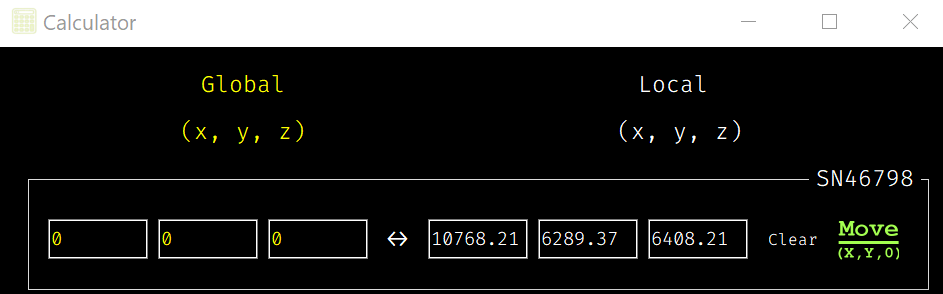
Local to Global: Input local coordinates (X, Y, Z) and click the “Convert (↔)” button to see the corresponding global coordinates.
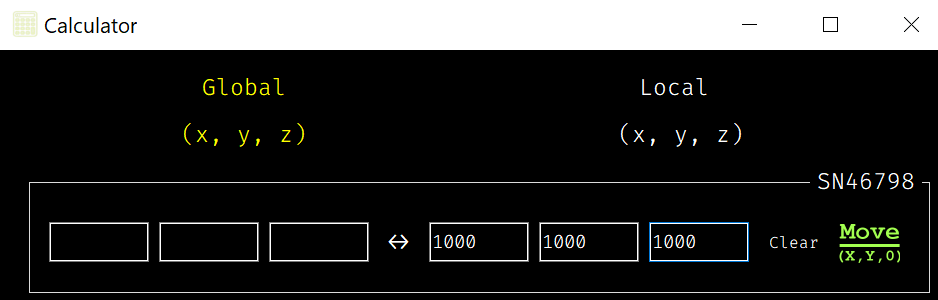
→
Selecting a Reticle
If a reticle is selected, the calculator will automatically apply reticle-specific metadata to the global coordinates during the conversion.
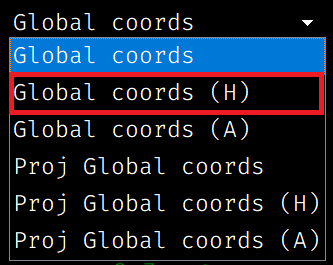
You can select a reticle from the Global Coords dropdown. If a reticle is selected, its metadata (like offsets and rotations) will be applied to any global coordinates, ensuring that your conversions account for the reticle’s alignment.
‘Global coords’ Selected: The calculator will convert coordinates without applying any reticle adjustments.
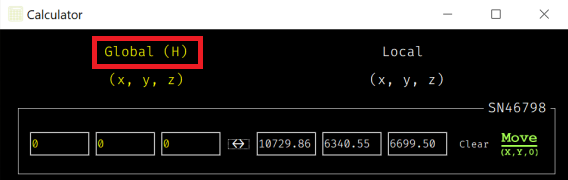
‘Global coords (_reticle_name_)’ Selected: The selected reticle’s metadata, including rotation and offset, will be applied during conversions.
 →
→
Stage Movement
After converting coordinates, you can move the stage to the desired local coordinates.
The moveStageXY0 button allows you to send the stage to a specific (X, Y, 0) position, which is the highest position.
First, it moves to z = 0 (the highest height), and then it moves to the desired (X, Y) position to avoid collisions with the reticle surface.
